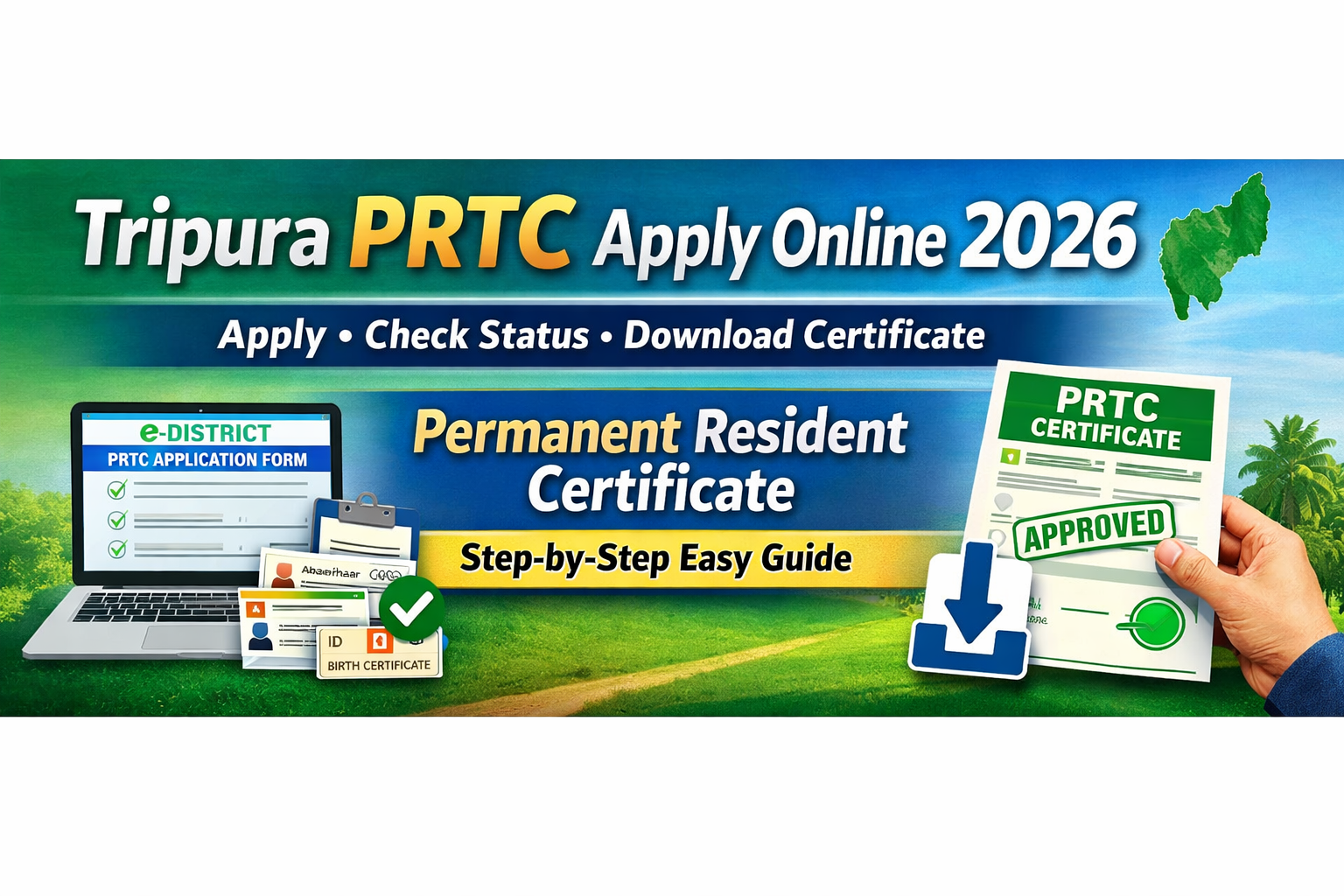
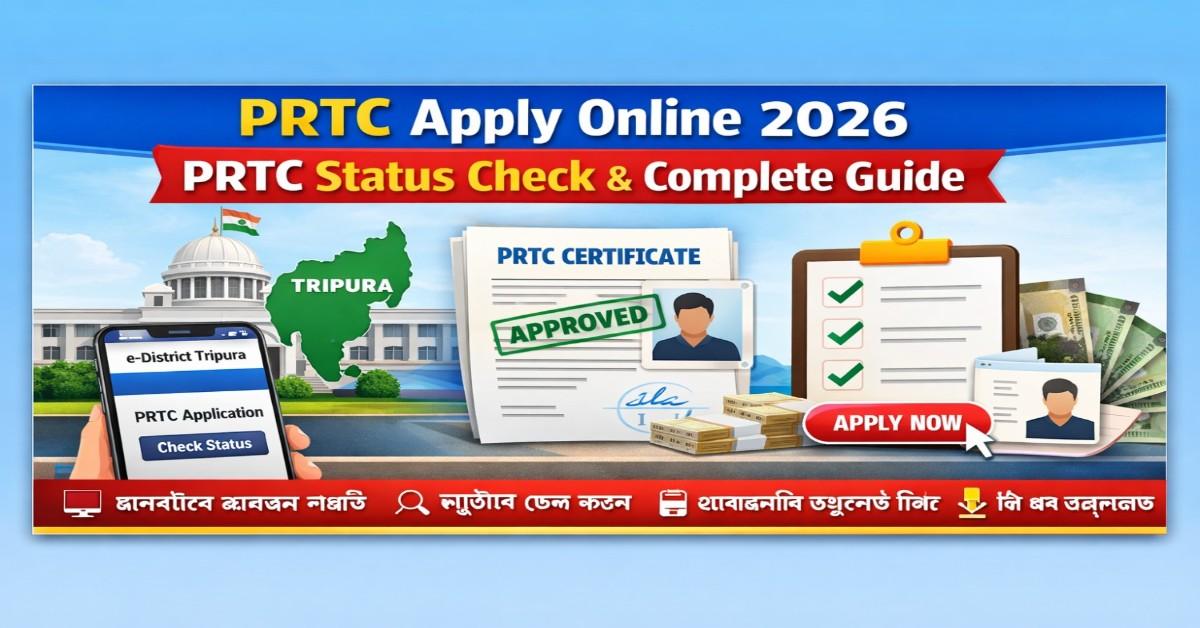
PRTC Apply Online 2026 – Check PRTC Status & Download Certificate
 rakhal das
The Permanent Resident of Tripura Certificate (PRTC) is an important document issued by the Government of Tripura. It proves that a person is a permanent resident of the state and is required for various government services, education admissions, and job applications.
With the digital services introduced by the Tripura government, citizens can now apply for PRTC online and check their application status through the official e-District portal.
This article explains everything you need to know about PRTC Apply Online, Status Check, Documents Required, Fees, and Download Process.
What is PRTC?
PRTC stands for Permanent Resident of Tripura Certificate. It is issued by the Tripura government to certify that a person is a permanent resident of the state.
This certificate is commonly required for:
-
Government Job Applications
-
Educational Admissions
-
Scholarships
-
State Government Schemes
-
Reservation Benefits
How to Apply for PRTC Online
Follow these simple steps to apply for the PRTC Certificate online.
Step 1: Visit the Official Portal
Go to the Tripura e-District Service Portal.
Step 2: Register Your Account
If you are a new user, create an account using your mobile number and email ID.
Step 3: Login to the Portal
Login using your registered User ID and Password.
Step 4: Select the Service
Choose the service Permanent Resident Certificate (PRTC) from the list of available services.
Step 5: Fill the Application Form
Enter all required details such as:
-
Applicant Name
-
Father / Mother Name
-
Address
-
Date of Birth
-
Aadhaar Number
Step 6: Upload Documents
Upload scanned copies of the required documents.
Step 7: Submit Application
Review all details carefully and click Submit.
After submission, you will receive an Application Number which can be used to track your application.
How to Check PRTC Application Status
After submitting the application, you can easily track your status online.
Steps to Check Status
-
Visit the Tripura e-District Portal
-
Click on Track Application Status
-
Enter your Application Number
-
Fill the captcha code
-
Click on Check Status
Your application status will appear on the screen.
Documents Required for PRTC
To apply for PRTC, you generally need the following documents:
-
Aadhaar Card
-
Voter ID Card
-
Ration Card
-
Birth Certificate
-
Address Proof
-
Passport Size Photograph
Some applicants may also need a Local Authority Certificate.
PRTC Application Fees
The fee for applying for a PRTC certificate is generally minimal.
| Service | Fee |
|---|---|
| PRTC Application | ₹20 – ₹50 |
Fees can usually be paid online through the portal.
How to Download PRTC Certificate
Once the application is approved, you can download the certificate online.
Steps
-
Login to the e-District Portal
-
Go to Approved Applications
-
Click Download Certificate
-
Save the PDF file
This certificate is valid for official purposes.
Processing Time for PRTC
The processing time for issuing the PRTC certificate is generally:
7 to 15 working days
However, it may vary depending on verification by local authorities.
Benefits of PRTC Certificate
Having a PRTC certificate provides several benefits:
-
Eligibility for Tripura Government Jobs
-
Access to State Quota in Education
-
Eligibility for Scholarships
-
Access to Government Welfare Schemes
-
Reservation Benefits
Conclusion
The PRTC Certificate is an essential document for residents of Tripura. With the introduction of the e-District online services, applying for the certificate and checking its status has become much easier.
By following the steps mentioned above, you can easily apply for PRTC online, track your application status, and download your certificate.
.jpeg)
.jpeg)
.jpeg)
.jpeg)
.jpeg)
.jpeg)
.jpeg)



.jpeg)







.png)




.png)