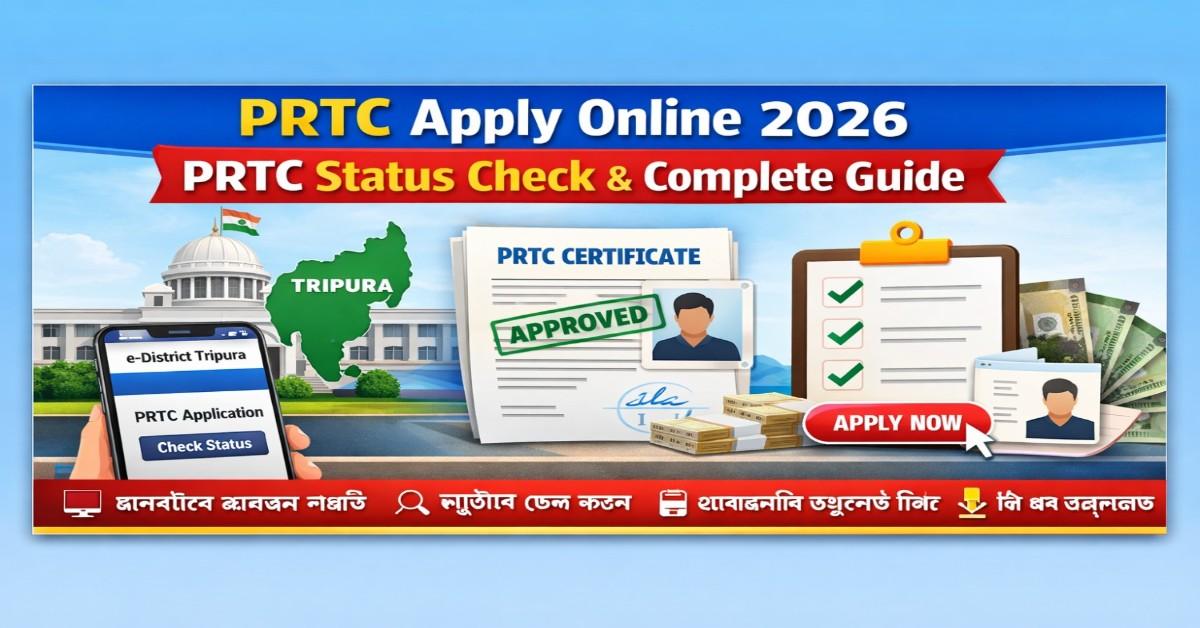
Tripura PRTC Apply Online 2026 – How to Apply, Check Status & Download Certificate
 RAKHAL DAS
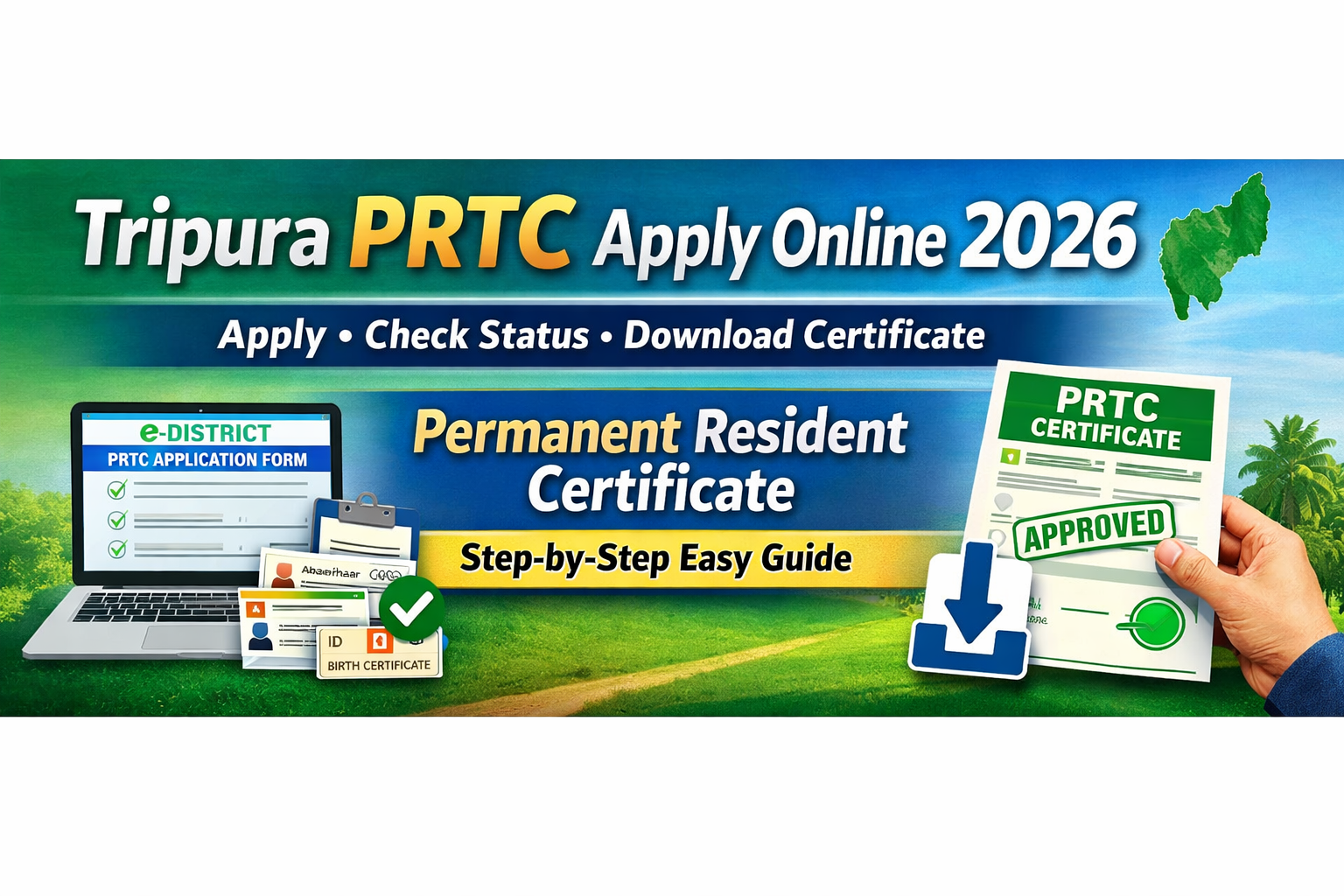
🟢 Tripura PRTC Apply Online 2026 – Apply, Check Status & Download Certificate
The Permanent Resident of Tripura Certificate (PRTC) is one of the most essential documents for residents of Tripura. In 2026, the application process has become fully digital, making it easier than ever to apply, track, and download your certificate from home.
Whether you need PRTC for government jobs, education, or land-related purposes — this complete guide will walk you through the PRTC Apply Online 2026 process step-by-step.
🟡 What is Tripura PRTC?
The PRTC (Permanent Resident of Tripura Certificate) is an official government-issued document that proves a person is a permanent resident of Tripura.
This certificate is required for:
-
State Government Jobs
-
Educational Admissions (State Quota)
-
Scholarships
-
Land Purchase
-
Local Recruitment
-
Government Schemes
Without PRTC, you may not be eligible for many Tripura state benefits.
🔵 Why is PRTC Important in 2026?
In 2026, most state-level services are digitally verified. PRTC acts as:
✔ Proof of Residency
✔ Eligibility for State Benefits
✔ Legal Identity for Local Opportunities
It ensures that only genuine residents get access to:
-
Employment
-
Welfare schemes
-
State reservations
🟣 Who Can Apply for Tripura PRTC?
You can apply for PRTC if:
🟢 By Birth
-
Born in Tripura
🟢 By Parent Residency
-
Father or Mother is a permanent resident
🟢 Long-Term Stay
-
Living in Tripura for 10+ years
🟢 Electoral Record
-
Name listed in voter list
Both Tribal and Non-Tribal residents are eligible.
🟠 Documents Required for PRTC Apply 2026
Before applying online, keep these documents ready.
🟢 : Identity Proof
-
Aadhaar Card
-
Voter ID
-
PAN Card
🟢 : Address Proof
-
Ration Card
-
Electricity Bill
-
Residential Proof
🟢 : Birth Proof
-
Birth Certificate
-
School Certificate
🟢 : Additional Documents
-
Parent’s PRTC (if available)
-
Land Records (optional)
-
Passport Size Photo
🟢 Tripura PRTC Apply Online 2026 – Step-by-Step Process
Applying online is simple.
🔹 Step 1 – Visit e-District Portal
Go to the official Tripura e-District website.
-
New users must register
-
Existing users can login
🔹 Step 2 – Select Service
After login:
➡ Click Apply for Services
➡ Choose Permanent Resident Certificate (PRTC)
🔹 Step 3 – Fill Application Form
Enter:
-
Name
-
Date of Birth
-
Address
-
Family Details
-
Duration of Stay
🔹 Step 4 – Upload Documents
Upload scanned copies of:
-
Aadhaar
-
Address Proof
-
Birth Proof
-
Photo
🔹 Step 5 – Submit Application
Review your details and submit.
Save your:
📌 Application Number
🔵 How to Check Tripura PRTC Status?
To track your application:
🟢 Steps
-
Login to portal
-
Go to Track Application
-
Enter Application Number
You will see:
✔ Pending
✔ Approved
✔ Rejected
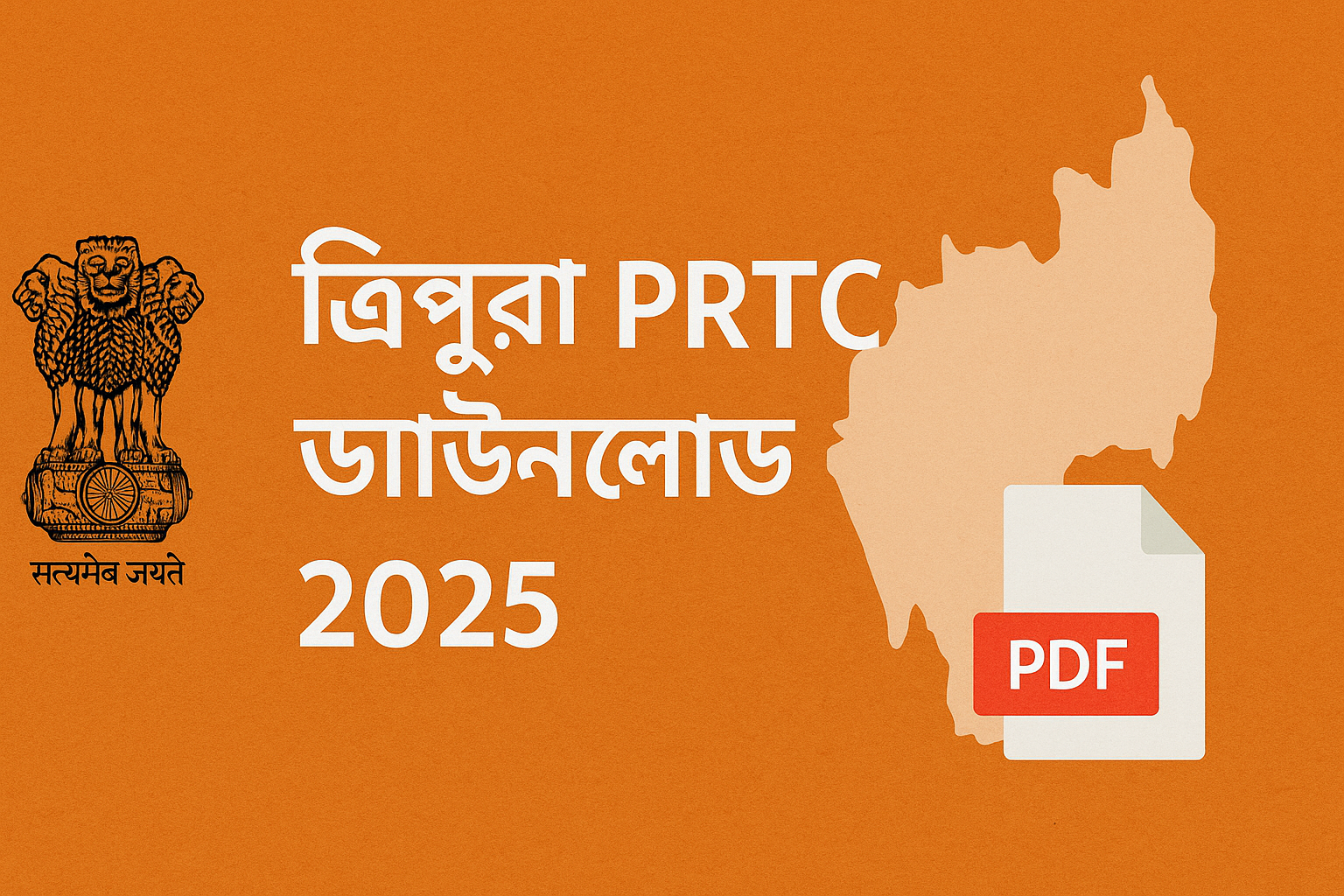
🟣 Tripura PRTC Download 2026
Once approved, you can download your certificate online.
🟢 Download Steps
-
Login to e-District portal
-
Click Track Application
-
Enter Application Number
-
Click Download
Your PRTC Certificate will be available in PDF format.
🟠 Processing Time
Usually takes:
⏱ 15 – 30 Days
Fast verification may result in approval within:
⚡ 7 Days
🔴 Reasons for Application Rejection
Avoid these mistakes:
❌ Incorrect Information
❌ Document mismatch
❌ Fake Address
❌ Missing Proof
🟢 Can You Apply Offline?
Yes.
You can visit:
-
SDM Office
-
Tehsil Office
But online is faster and recommended.
🔵 Is PRTC Renewal Required?
No ❌
PRTC is generally:
✔ Lifetime Valid
🟣 Where is PRTC Used?
PRTC is required for:
-
Govt Jobs
-
College Admission
-
Scholarships
-
Land Ownership
-
State Schemes
🟡 2026 Digital Updates
In 2026:
✔ Fully Online Application
✔ Digital Verification
✔ SMS Updates
✔ Easy Certificate Download
🟢 Final Words
Tripura PRTC is a must-have document for every permanent resident. With the 2026 online system, applying and downloading the certificate is now easier than ever.
If you haven’t applied yet — now is the best time.
.jpeg)
.jpeg)
.jpeg)
.jpeg)
.jpeg)
.jpeg)
.jpeg)



.jpeg)






.png)




.png)