Resize & Crop Image Online Free – Convert to JPEG, PNG, WEBP Without Losing Quality
 RAKHAL DAS
Resize & Crop Image Online Free – Convert to JPEG, PNG, WEBP
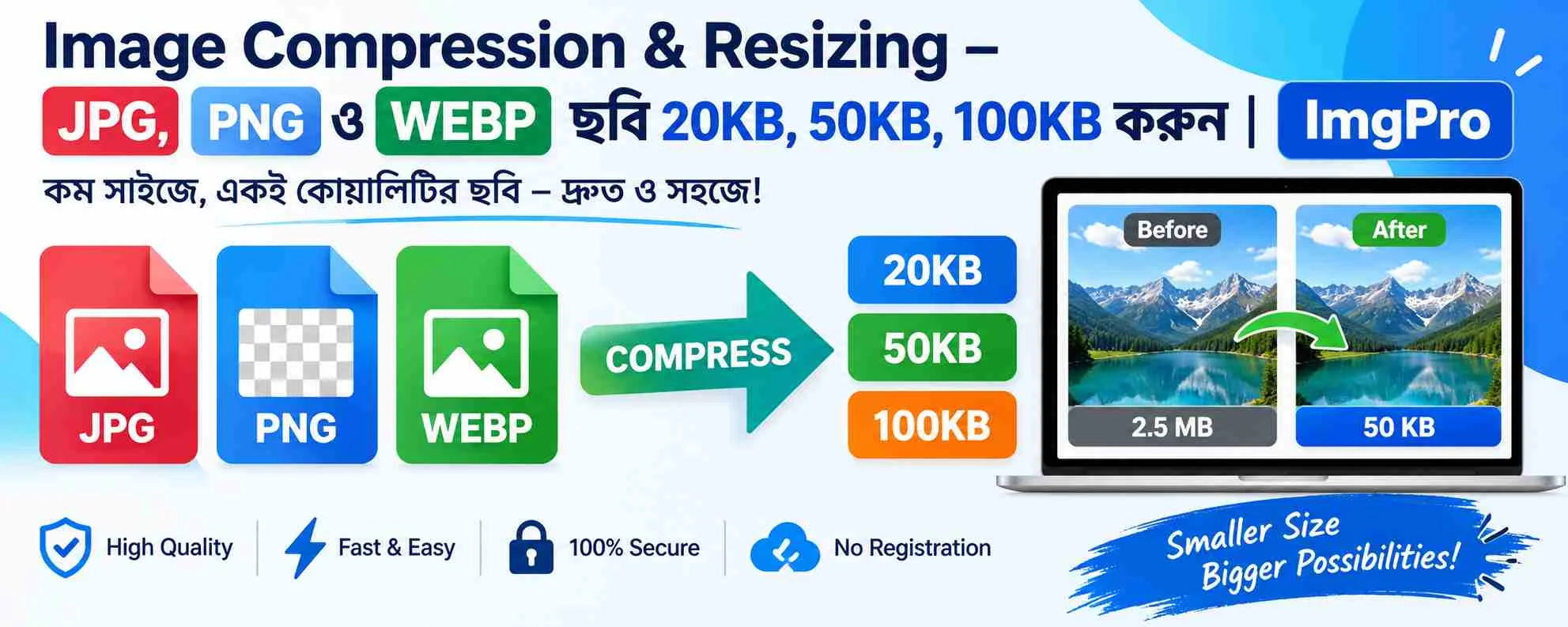
In today’s digital world, image optimization plays a crucial role in website performance, SEO rankings, and user experience. Whether you are uploading photos for a website, social media, or official documents, resizing and cropping images to the correct dimensions is essential. That’s where ImgPro’s free Resize & Crop Image tool comes in.
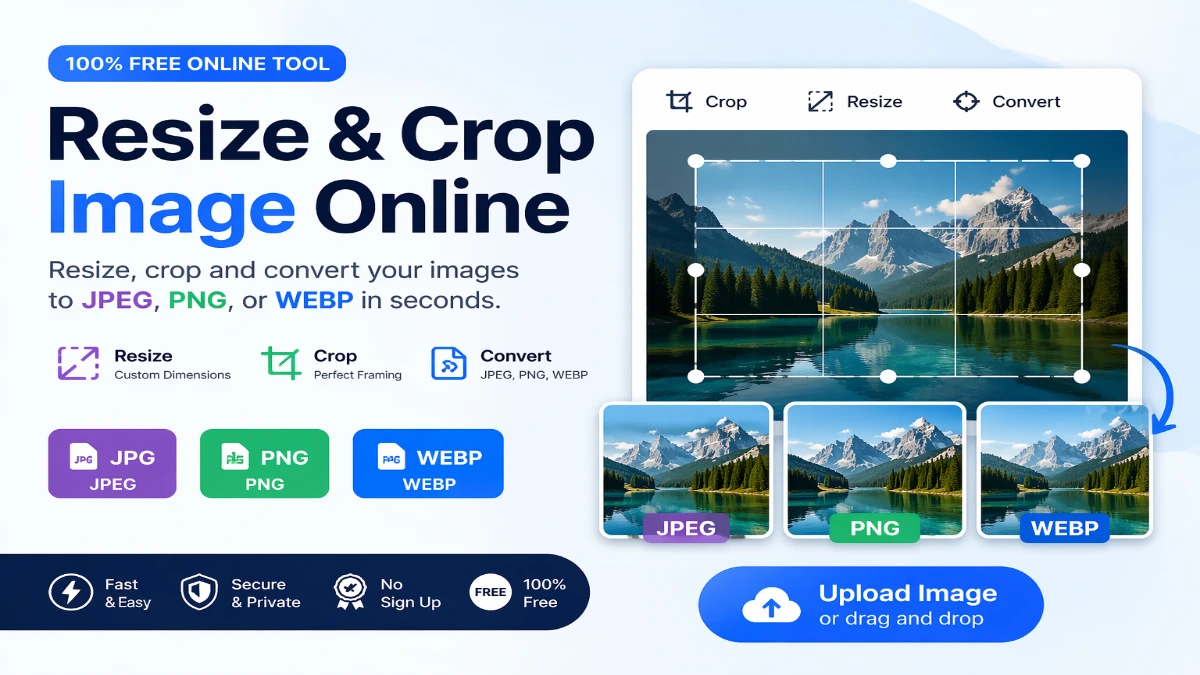
With this powerful online tool, you can easily resize, crop, and convert images into popular formats like JPEG, PNG, and WEBP—all without installing any software.
Online Image Resizer & Crop Tool?
Images that are too large can slow down your website, while incorrectly sized images may not meet upload requirements. Using an online tool like ImgPro helps you:
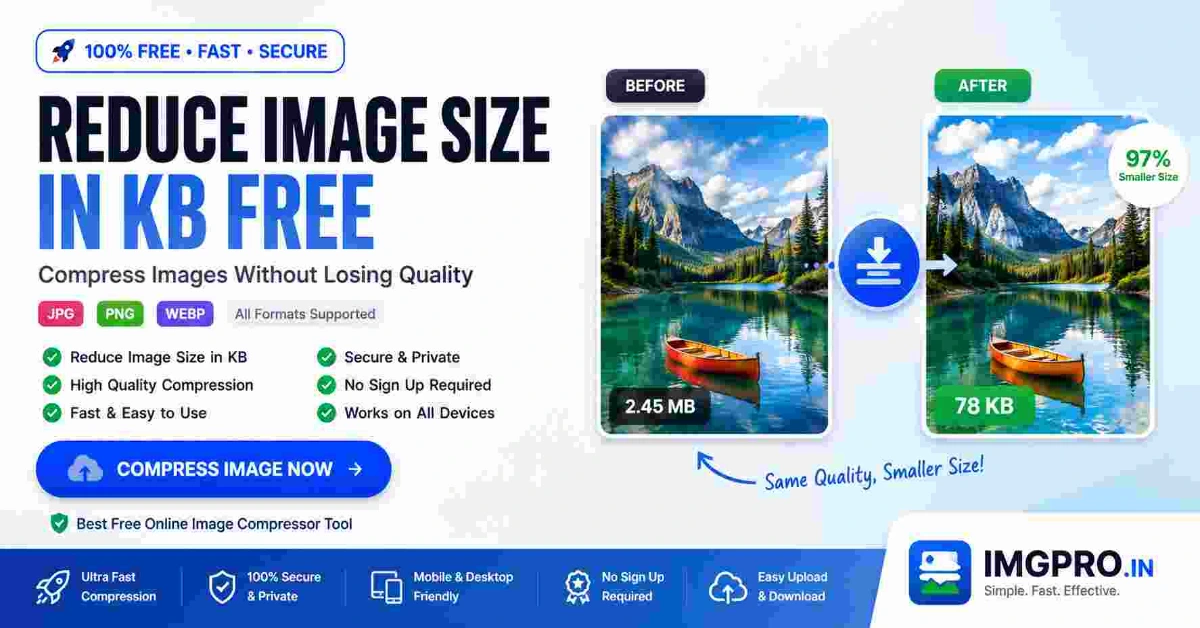
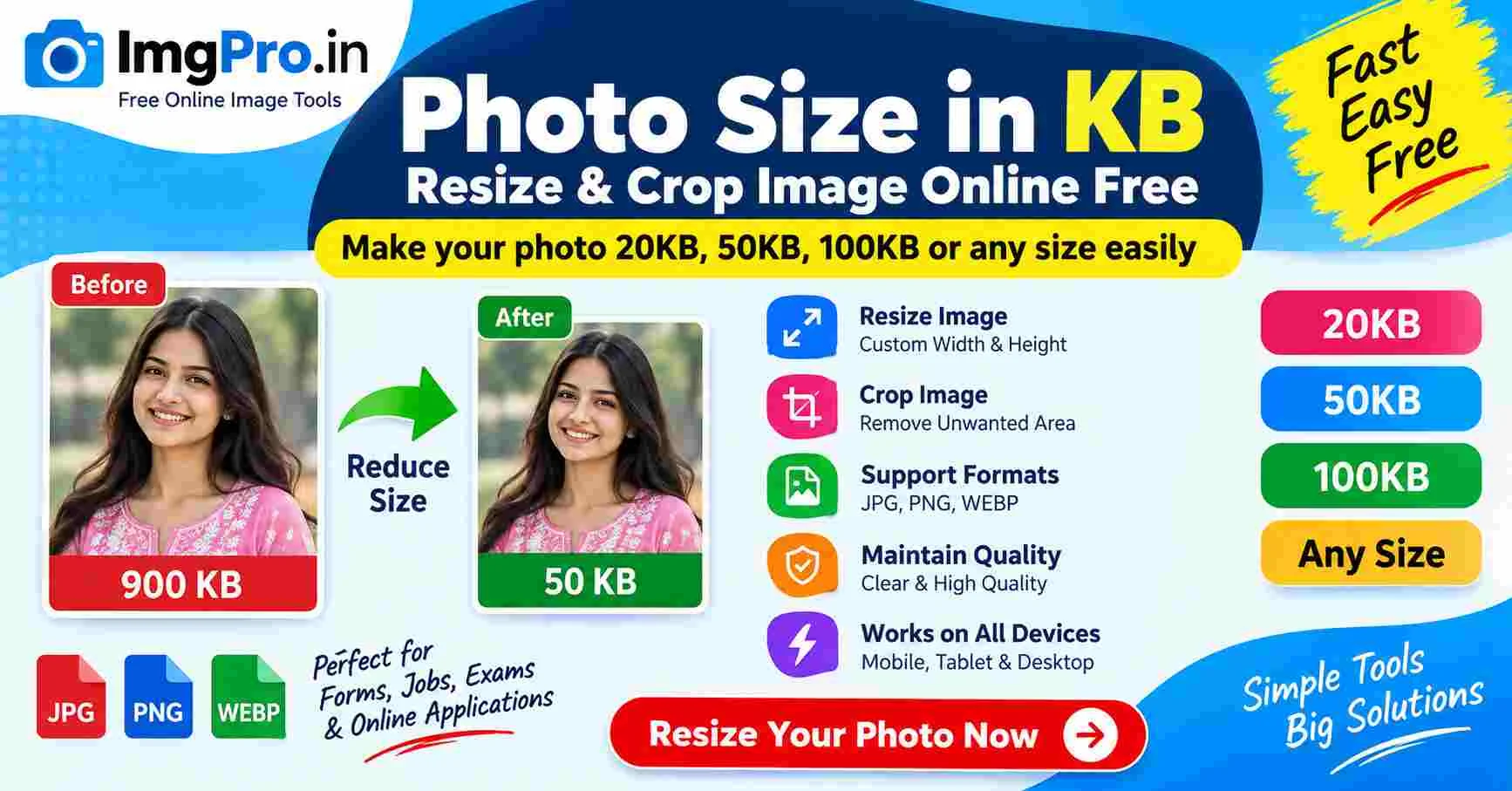
- Reduce image file size without losing quality
- Adjust dimensions for websites and social media
- Crop unnecessary parts of an image
- Convert images into optimized formats
- Improve website loading speed and SEO
Resize Images Instantly
The ImgPro Resize tool allows you to change image dimensions quickly and accurately. You can set custom width and height or maintain the aspect ratio to avoid distortion.
This is especially useful for:
- Website banners
- Profile pictures
- Blog images
- E-commerce product photos
The live preview feature ensures you see the results before downloading.
Crop Images with Precision
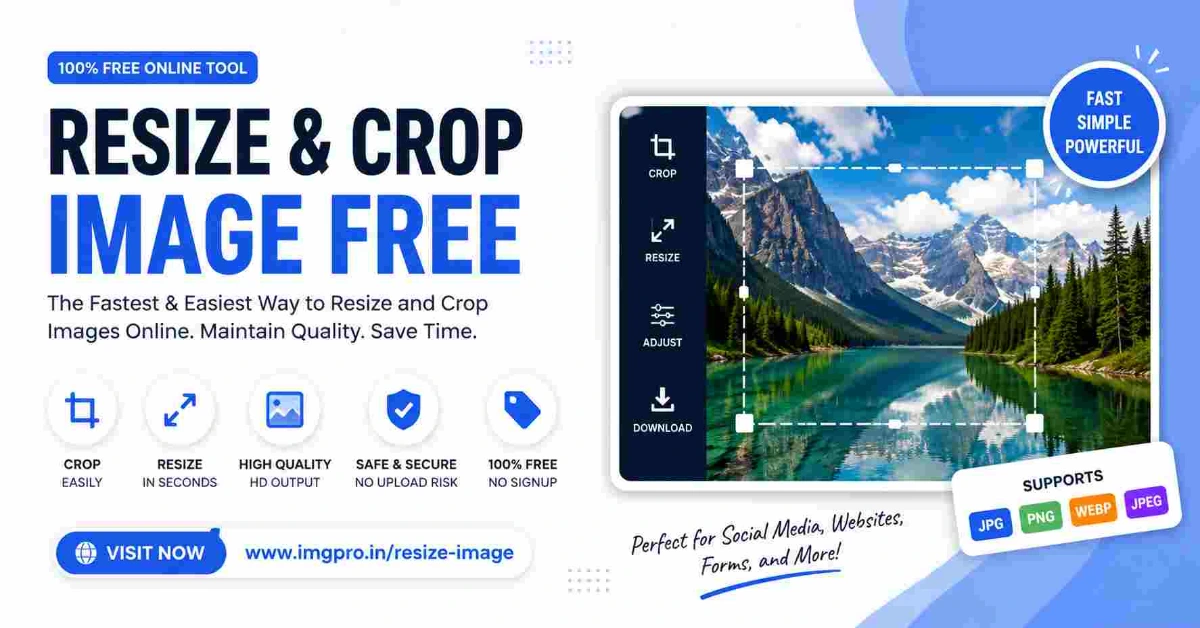
Cropping is essential when you want to focus on a specific part of an image. ImgPro provides an intuitive cropping interface where you can:
- Remove unwanted background areas
- Adjust framing and composition
- Create perfect square or custom ratios
- Prepare passport-size or ID photos
This ensures your images look clean, professional, and ready for use.
Convert Images to JPEG, PNG, WEBP
One of the standout features of ImgPro is its ability to convert images into multiple formats:
JPEG (JPG)
Best for photographs and images with complex colors. Offers good compression with minimal quality loss.
PNG
Ideal for images requiring transparency or high-quality graphics like logos and icons.
WEBP
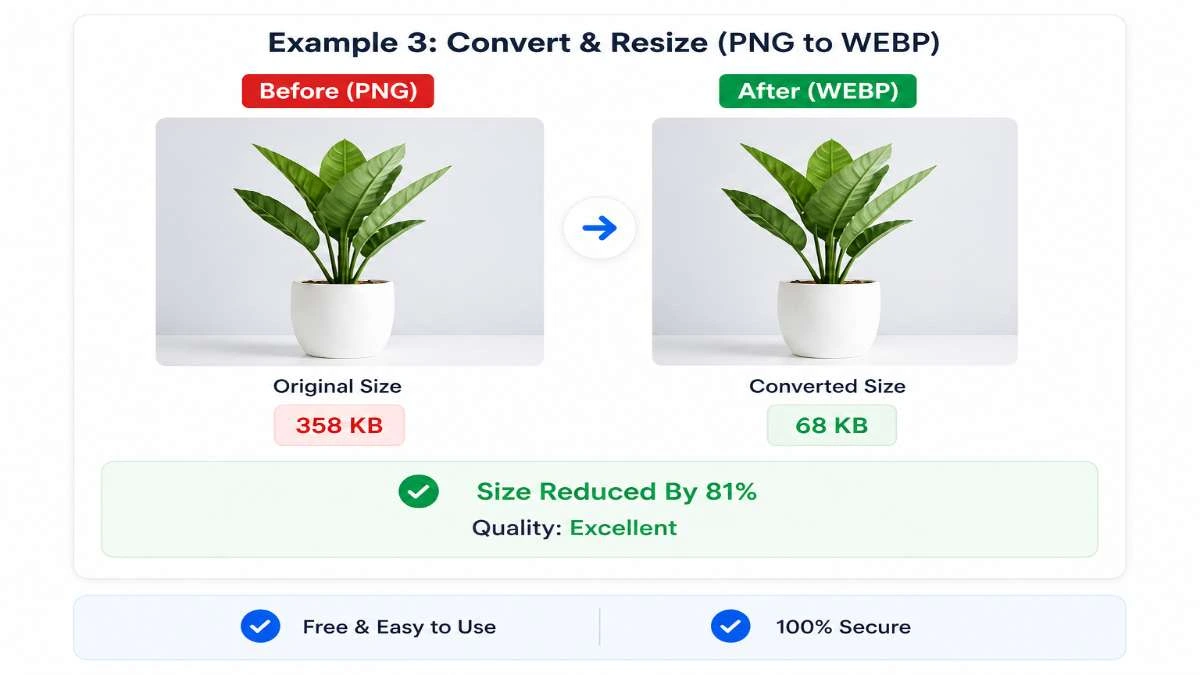
A modern format that provides superior compression and smaller file sizes, making it perfect for websites and SEO optimization.
By converting your images to WEBP, you can significantly improve page load speed and enhance user experience.
Fast, Secure & Free
ImgPro is designed with speed and security in mind. You don’t need to sign up or install anything. Simply upload your image, edit it, and download the final version.
Key benefits:
- 100% free to use
- No watermark
- Secure file processing
- Works on mobile and desktop
- Instant download
Perfect for Multiple Use Cases
The Resize & Crop Image tool is ideal for:
- Students uploading documents
- Bloggers optimizing images for SEO
- Designers preparing visuals
- Developers improving website performance
- Job applicants submitting forms
No matter your need, ImgPro makes image editing simple and efficient.
Start Using ImgPro Today
If you’re looking for a reliable, fast, and free image editing solution, try the Resize & Crop Image tool today:
👉 https://imgpro.in/resize-image
👉 https://imgpro.in/passport-photo
👉 https://imgpro.in/jpg-to-webp
👉 https://imgpro.in/change-background
Optimize your images in seconds and enhance your digital workflow effortlessly.
FAQ
Q1. How can I resize an image online for free?
You can use ImgPro’s Resize Image tool to adjust image dimensions instantly without installing any software.
Q2. Does resizing reduce image quality?
No, ImgPro maintains high-quality output while resizing images.
Q3. Can I convert images to WEBP format?
Yes, ImgPro supports conversion to JPEG, PNG, and WEBP formats.
Q4. Is the tool safe to use?
Yes, all uploads are processed securely and not stored permanently.
Q5. Do I need to create an account?
No, the tool is completely free and does not require registration.
.jpeg)
.jpeg)
.jpeg)
.jpeg)
.jpeg)
.jpeg)
.jpeg)



.jpeg)














.png)






.png)